
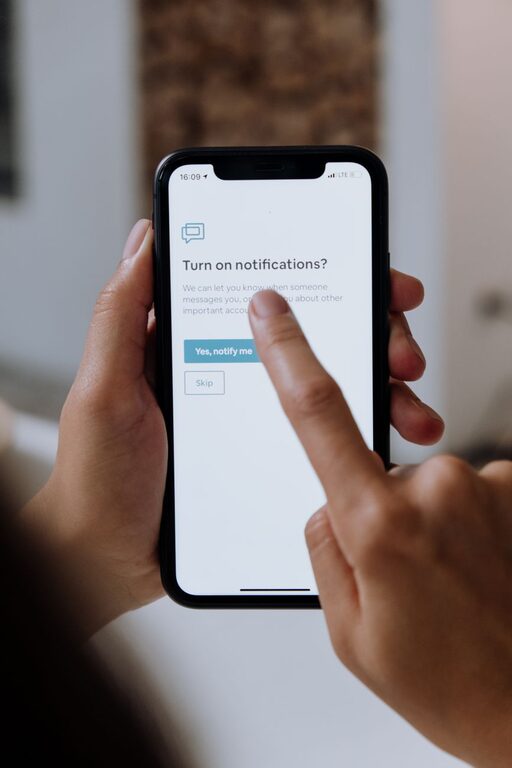
In today’s digital world, notifications are a constant presence. While they help keep us informed, they can also disrupt our focus and cause unnecessary stress. Setting boundaries with notifications is key to maintaining productivity and finding a healthy balance between being connected and being present.
This guide provides practical tips to help you take control of your notifications and create boundaries that support your well-being.
Why Set Boundaries with Notifications?
Notifications can be helpful reminders or alerts, but they often lead to distractions. Constant interruptions can fragment your attention, increase stress, and make it hard to complete important tasks. Learning to manage notifications helps you:
– Improve focus and concentration
– Reduce stress and overwhelm
– Protect your personal time
– Maintain a better work-life balance
Step 1: Assess Your Current Notification Settings
Before making changes, take stock of your current notifications. Ask yourself:
– Which apps send me the most notifications?
– How often do I get notified daily?
– Which notifications are essential?
– Which do I ignore or find distracting?
Use your phone or computer settings to review notification frequency and sources. This will help you decide what truly deserves your attention.
Step 2: Customize Notifications by Importance
Not all notifications are equal. Prioritize notifications by importance and urgency:
– High priority: Work emails, calendar reminders, urgent messages
– Medium priority: Social media updates, news alerts
– Low priority: App promotions, game invites, casual updates
Turn off or limit low-priority notifications. Many apps let you customize which alerts you receive or mute notifications during certain hours.
Step 3: Use Do Not Disturb and Focus Modes
Most devices offer built-in tools to manage distractions:
– Do Not Disturb mode: Temporarily silence all alerts except those you allow. Use this during meetings, focused work sessions, or personal time.
– Focus modes: Some devices let you create profiles that block specific apps or notifications during set periods. For example, a “Work” mode might only allow work emails and calls.
Schedule these modes ahead of time or activate them manually when needed.
Step 4: Set Specific Times to Check Notifications
Instead of reacting to notifications as they come in, designate certain times during the day to check them. For example:
– Check emails three times daily: morning, midday, and late afternoon
– Review social media once in the evening
– Respond to messages during designated breaks
This batch processing reduces constant interruptions and helps you stay on task.
Step 5: Declutter Your Apps and Subscriptions
Many notifications come from apps you rarely use or subscriptions you no longer need. Periodically:
– Uninstall apps that send unnecessary alerts
– Unsubscribe from newsletters and promotional emails you don’t read
– Review app permissions and notification settings
This cleanup minimizes distractions and keeps your digital life manageable.
Step 6: Communicate Your Boundaries Clearly
Let friends, family, and colleagues know your notification preferences and availability:
– Share your preferred communication methods and times
– Inform them when you have “quiet hours” or focus periods
– Encourage using urgent channels for truly important matters
Clear communication sets expectations and reduces pressure to respond immediately.
Step 7: Practice Mindfulness with Notifications
Be mindful of how notifications affect your mood and productivity. When a notification arrives:
– Pause before checking it—ask whether it’s urgent
– If it’s not important, ignore or postpone dealing with it
– Use notifications as a tool, not a master
Mindful awareness helps you regain control and reduces compulsive checking habits.
Additional Tips for Managing Notifications
– Use vibration or silent alerts instead of sounds to reduce stress
– Group notifications by app or topic to handle them efficiently
– Review notification settings regularly to adjust as needed
– Use wearable devices wisely to avoid doubling notifications
Conclusion
Setting boundaries with notifications is essential for digital wellness and productivity. By assessing your current alerts, customizing settings, using built-in focus tools, and communicating your limits, you can reduce distractions and reclaim your time. Start small and gradually build habits that support a more balanced and mindful relationship with technology.
Remember, notifications should serve you—not the other way around. Take control today to enjoy improved focus, less stress, and more meaningful connections.